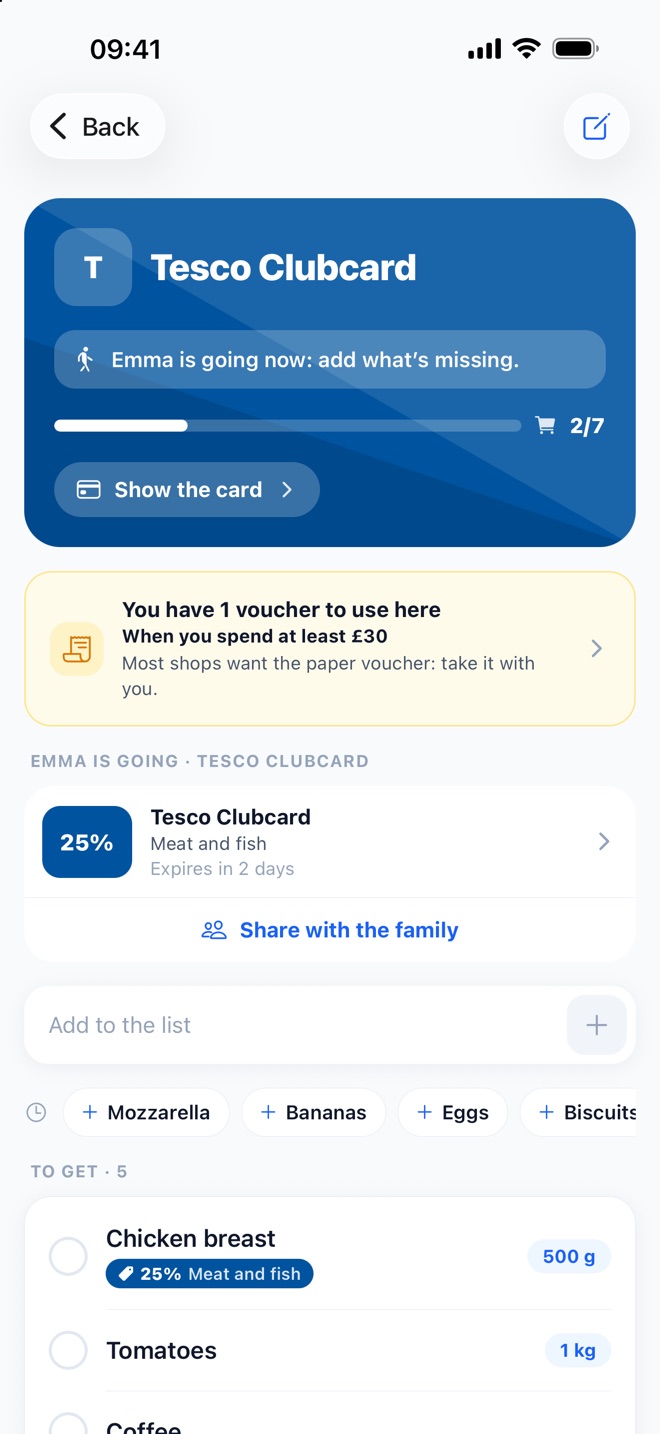
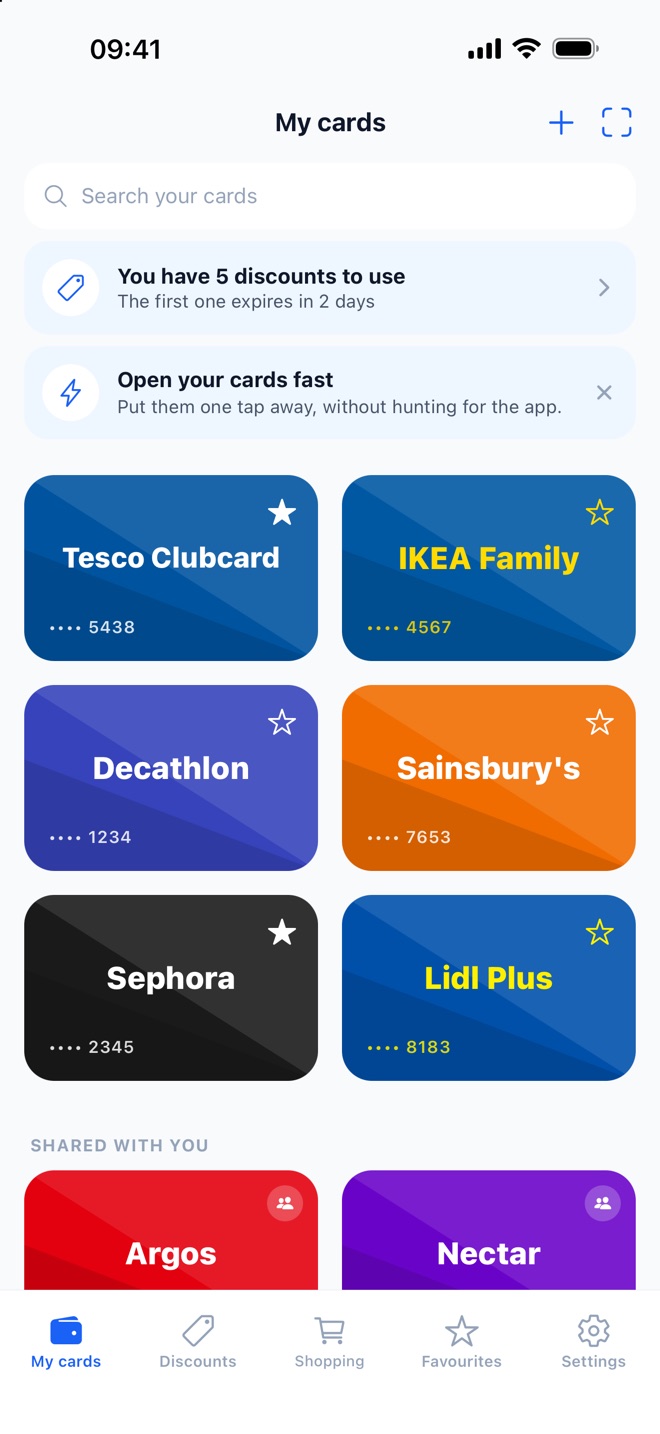
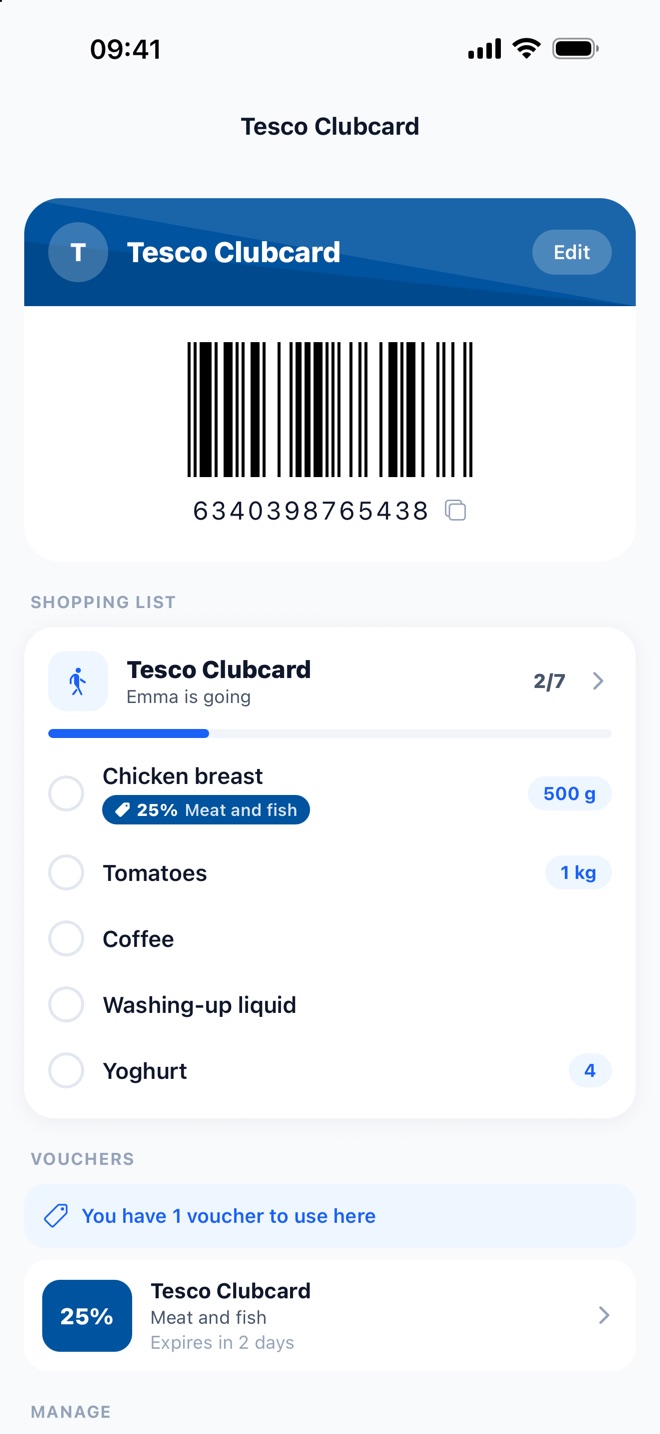
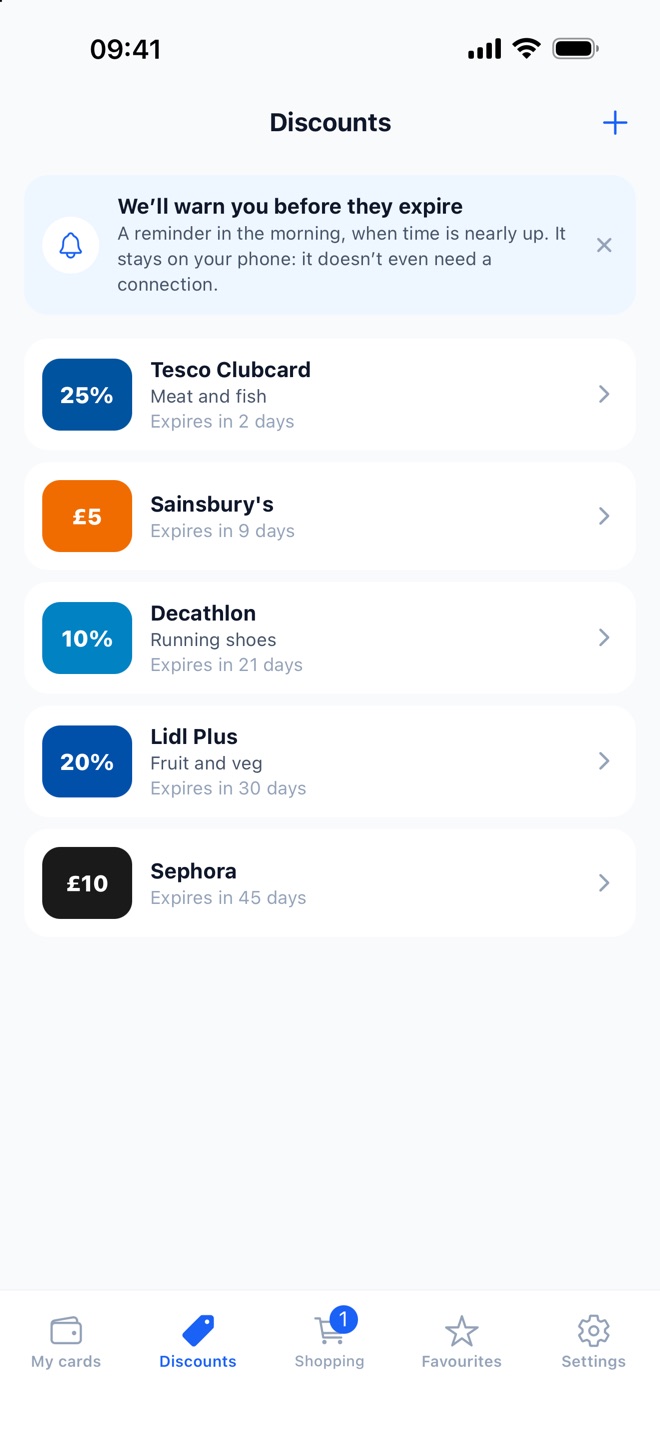
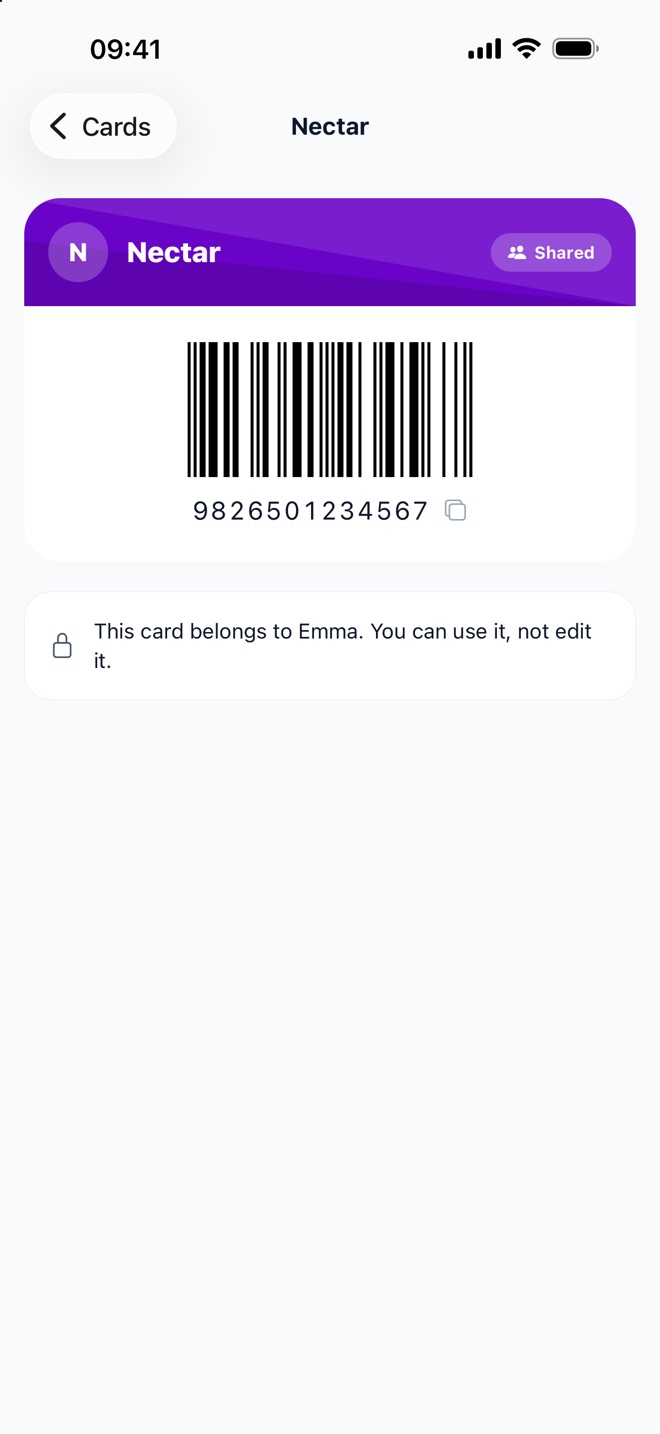
Share cards and vouchers with your family: they stay yours, but whoever is at the checkout can use them.
Invite anyone with a link
Everyone picks which ones to keep
Stop sharing whenever you like
Before and after
Your wallet gets lighter. So does your mind.
Without WollyCard
A wallet bursting with plastic cards
The card left at home, right at the till
“Have you got the card?” every time you go out together
Faded codes the scanner won’t read anymore
With WollyCard
Every card in your phone, always with you
The code ready in two taps, even offline
Share it with your family — everyone has it
The screen brightens on its own to be scanned
Made for the till
The wallet that fits in your phone
Everything you need to never leave a card at home again.
Scan in seconds
Point the camera at the barcode or QR code, or import it from a photo.
Always offline
Your cards are there even without a connection, wherever you are.
Automatic brightness
At the till the screen brightens on its own so the code scans first time.
Store colours
Every card carries its brand logo and colours, so you spot it at a glance.
Personal notes
Add a note to any card: points expiry, PIN, whatever you need.
Your data is safe
Card numbers are encrypted. Sign in without a password, using a link sent by email.
How it works
In three steps
11
Scan
Point the camera at the code on your card.
22
Save
The card joins your wallet, logo and colours included.
33
Show it at the till
Open the card and let them scan the code. Done.
Frequently asked questions
What people ask us most
If what you are looking for is not here, write to info@svmedia.it — you will get a person, not a bot.
Is WollyCard really free?
Yes. The app for keeping your loyalty cards is free: no subscription, no in-app purchases, no ads. We do not sell your data either — that is not the business we are in.
How do I add a loyalty card?
Open the app, tap “Add card” and point the camera at the barcode or QR code on your card. If the code is worn out you can import it from a photo or type the number in by hand. For the best-known shops the logo and colours are already waiting in the catalogue.
Does it work without an internet connection?
Yes. Your cards are stored on the phone, so they open in a supermarket with no signal or on a plane. A connection is only needed to sync your cards across your devices.
Will the till scanner read the code off a screen?
Almost always: opening a card turns the screen to full brightness and shows the code large and high-contrast, which is what optical scanners need. An older till with a red laser reader can struggle — barcodes still show the number in plain text underneath, ready to read out at the till.
Can I share cards with my family?
Yes. Create a family and invite whoever you like with a link: the cards you share stay yours, but the others can show them at the till from their own phone. Everyone picks which ones to keep.
Are my card numbers safe?
Card numbers and notes are encrypted on our server and never appear in the logs. You sign in without a password, using a code sent to your email, so there is no password to steal. You can delete your account and data whenever you want.
Which phones does it work on?
iPhone and iPad on iOS 16.4 or later, and Android phones. The quickest way to find out: if your phone finds WollyCard on the App Store or Google Play, it is supported.
If I change phone, do I lose my cards?
Not if you have created an account: your cards sync, and they are there again once you sign in on the new phone. Without an account they live only on that device, so it is worth signing up before you switch.
Empty your wallet, not your mind
Download WollyCard and take every card with you. Free.